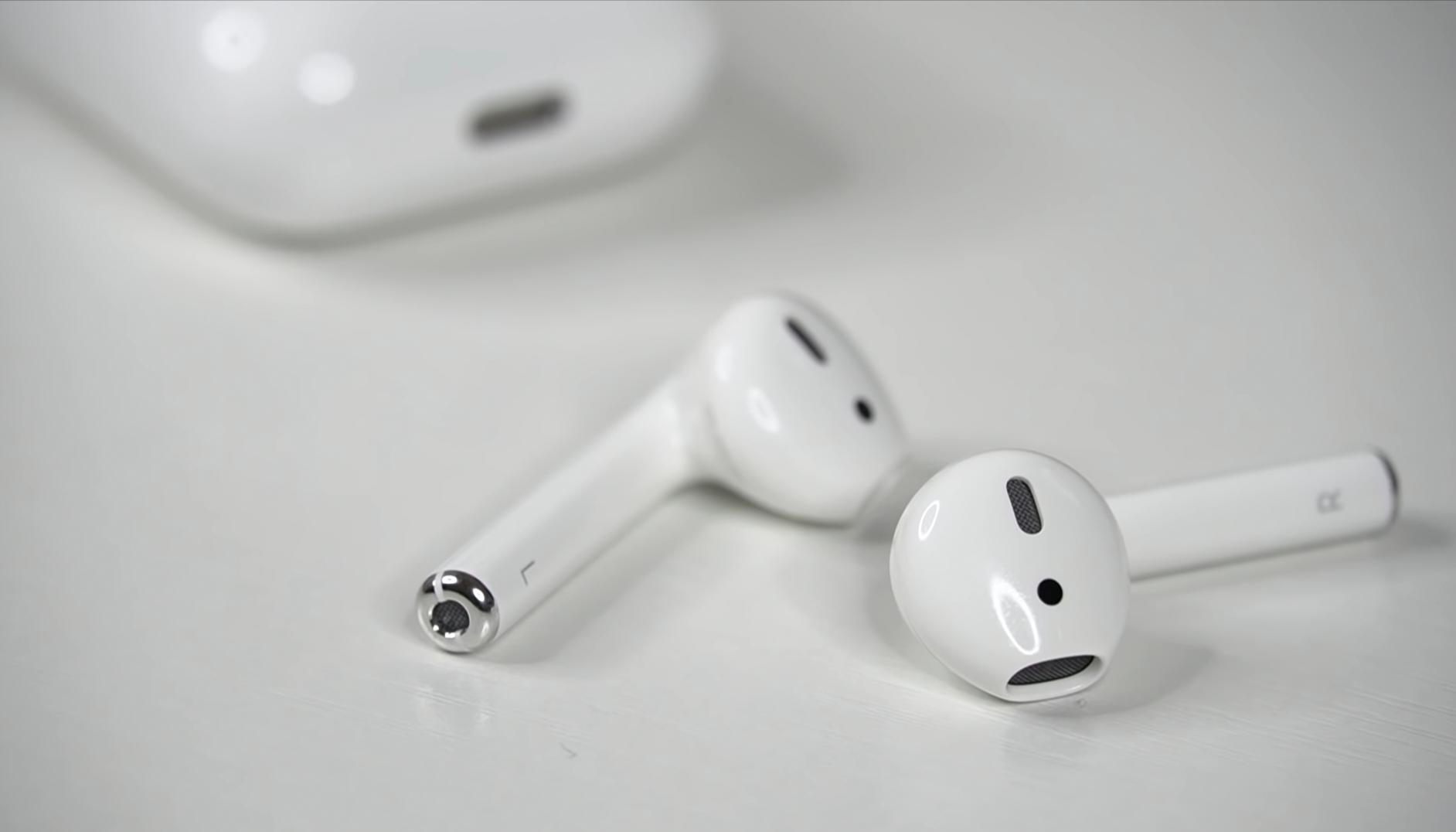
How to connect AirPods with your PlayStation Very Easily
Today i am going to share with you how to connect apple airpods on your playstation 4 and playstation 5 If you have any playstation console or any apple airpods you can connect these both so first we have to go our playstation home and open the settings and then we have to go to devices we have to go to bluetooth which is see it seems its nowhere in here but we have to go to devices and once we arrive to devices we’ve got all these things turn off device usb storage devices camera mouse keyboard etc all we have to do is go to bluetooth devices not only you because you might say it’s audio but it’s not it’s this would be another thing so we just have to go to bluetooth devices and in here we’ve got both all these thing we’ve got the tv which is the any brand led tv dual shock etc.
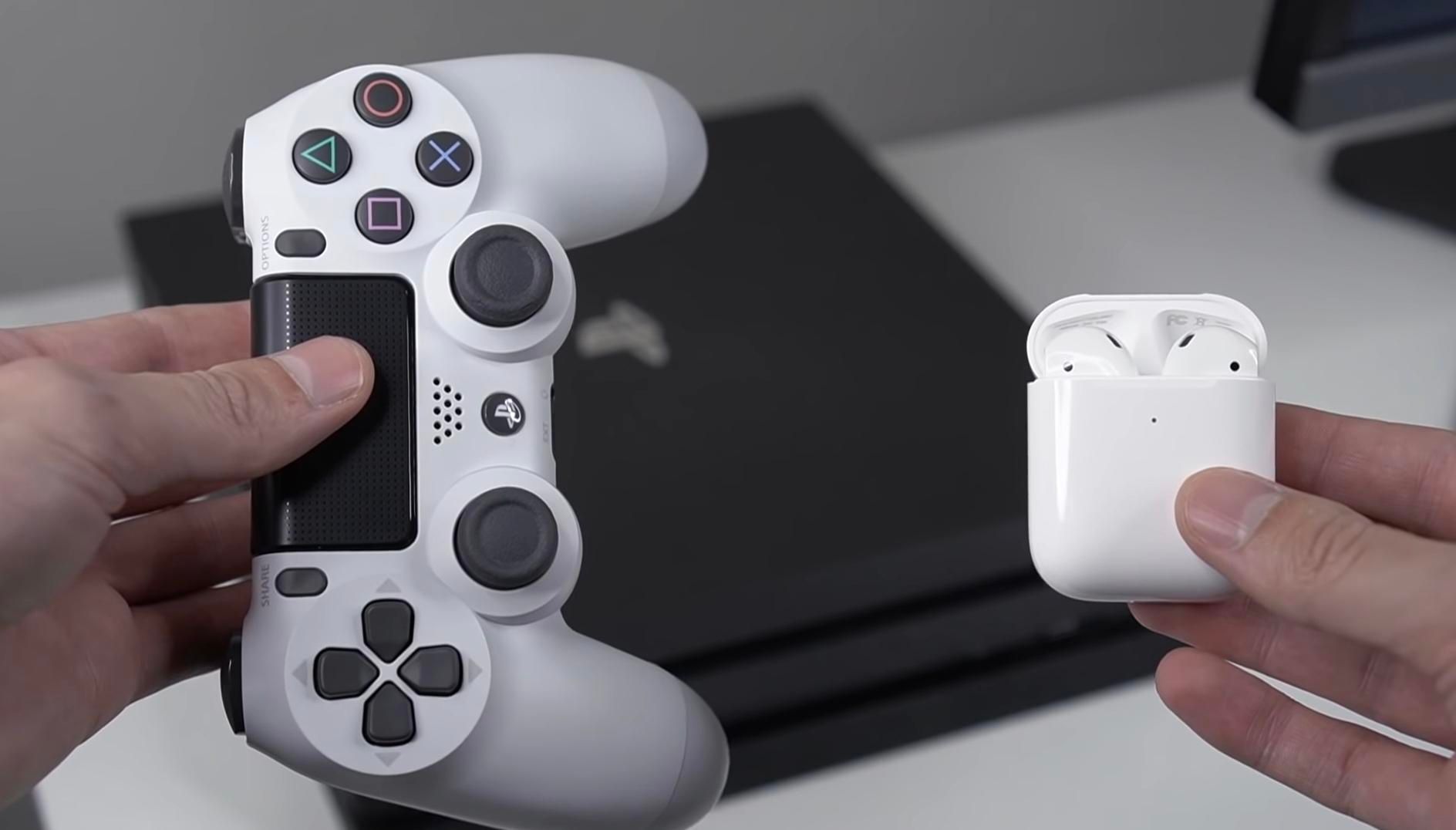
All we have to do is just open our airpods and what we have to do is click behind the airpods console connect and now they should appear in you playstation setting bluetooth side so we just click here on our airpod name and that would connect with your any playstation this is the easiest method which you can use to connect your apple airpods to any playstation console bluetooth is the key to connect these two device together you just follow the steps which is very simple and enjoy your gaming experience.
How to Connect Airpods with PlayStation Video
Screenshots